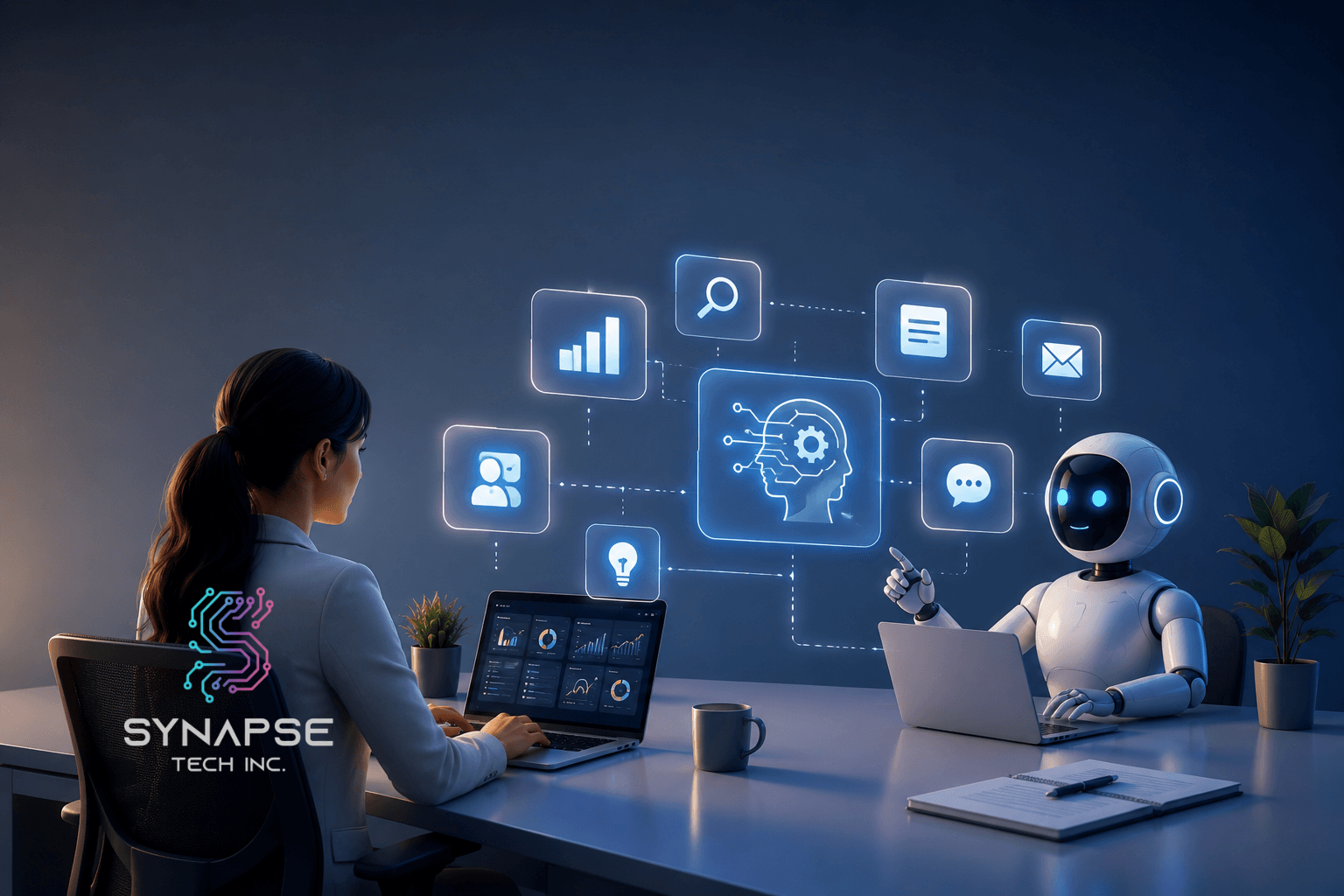
Examples of AI in the workplace include generating marketing content, providing 24/7 customer support, protecting data through automated cybersecurity, screening and summarizing job applications, and coding and debugging software at a faster rate.
AI automation handles the time-consuming work, content creation, customer inquiries, security monitoring, hiring, and coding faster and more consistently than any manual process. With AI adoption across business functions more than doubling in the last five years, the examples of AI in the workplace showing up in Irving businesses today are proof that this shift is already well underway.
AI is exactly how Irving businesses are boosting productivity, cutting errors, and giving leadership better data to work with.
The five biggest examples of AI being put to work in Irving right now include generating marketing content at scale, running 24/7 customer support without a full support team, protecting sensitive company data through automated cybersecurity monitoring, screening and summarizing job applications during high-volume hiring, and helping developers write and debug code significantly faster.
And if you’re ready to bring AI into your own operations, the path forward is straightforward. Start by identifying where your team loses the most hours, match the right tool to that use case, get your team genuinely on board, and measure your results at 30, 60, and 90 days to make sure it’s actually paying off.
What Is AI Automation?
AI automation uses artificial intelligence to handle tasks that normally eat up your team’s time, including generating content, responding to inquiries, screening applications, and detecting security threats, all faster and more consistently than manual methods. The examples of AI in the workplace covered in this article are all built on this foundation.
For Irving businesses managing large teams, that kind of efficiency makes a real difference. According to McKinsey, AI adoption across business functions has more than doubled in the last five years. The AI workplace in Irving, TX, is no longer a future concept as it’s already happening.
Why Are Irving Businesses Embracing AI?
Businesses in Irving are rapidly adopting AI in the workplace to boost productivity, reduce errors, and improve decision-making without significantly increasing headcount.
Irving’s Las Colinas business district is one of the most concentrated corporate hubs in Texas. Companies here operate at scale, serve large customer bases, and face constant pressure to do more with less. That’s exactly why artificial intelligence in the workplace in Irving, TX, has picked up so quickly.
First of all, AI helps businesses do more without growing headcount proportionally. Secondly, it catches the kind of errors that slip through when people are tired or overloaded. Finally, it gives leadership faster access to better data when it actually matters. According to PwC, 86% of business leaders say AI is becoming mainstream in their industry, and Irving businesses adopting it now are building a real compounding advantage.
5 Examples Of AI Being Used To Increase Efficiency In Irving Businesses
Five common examples of AI in the workplace for Irving businesses include content creation, 24/7 customer support, cybersecurity, applicant screening, and faster software development. Let’s get into more detail:
1. Generating Marketing Content At Scale
AI writing and content tools analyze your brand voice, audience data, and performance history to generate blogs, social posts, email campaigns, and ad copy in a fraction of the time a manual process would take.
Synapse’s Custom Automation solutions take this further by building content generation workflows directly into your existing marketing operations, so the right content reaches the right channel automatically without extra manual steps.
Example: An Irving retail chain worked with Synapse to build a custom content automation workflow. Monthly blog output scaled from four posts to twenty without adding anyone to the team, and organic traffic grew by 38% within six months.
2. Providing 24/7 Customer Support
AI-powered chatbots and virtual agents handle customer inquiries, answer FAQs, route complex issues to human agents, and even process simple transactions around the clock for Irving businesses looking for always-on support.
Synapse’s Agentic Bot is built specifically for this. It is an intelligent, customizable AI agent that handles multi-step customer conversations, qualifies leads, and integrates directly with your CRMs.
Example: A telecommunications company in Irving deployed Synapse’s Agentic Bot across its chat channels and brought average response time down from four hours to under three minutes. Customer satisfaction scores climbed by 22% within the first quarter.
3. Protecting Data With Automated Cyber Security
For Irving’s corporate headquarters, handling sensitive customer and financial data, AI security tools monitor network activity in real time, detect unusual behavior patterns, flag potential threats, and trigger automatic responses. They often stop breaches before a human analyst would even notice the warning signs.
Synapse’s cybersecurity automation provides continuous AI-driven monitoring built around your specific infrastructure.
I spoke with an IT manager at an Irving financial firm who spent hours each week manually reviewing security logs. Once they implemented automated monitoring, they caught a potential breach attempt in real time that would have gone undetected for days under their old process. That’s exactly why using AI in the workplace in Irving, TX, matters most in high-stakes environments.
Example: A financial services firm implemented Synapse’s cybersecurity automation and cut incident response time from 72 hours to under 30 minutes, significantly reducing breach exposure.
4. Screening and Summarizing Job Applications
AI recruitment tools scan and score hundreds of applications in seconds, identifying candidates who match your specific job requirements based on skills, experience, and qualifications. They summarize applicant profiles, rank candidates, and flag top matches, which cuts the manual screening time that typically bogs down HR teams during high-volume hiring.
Synapse’s iRecruit One is designed exactly for this: an AI-powered recruitment tool that automates application screening, generates candidate summaries, and helps Irving businesses move faster from job posting to a qualified shortlist.
Example: A DFW healthcare organization used Synapse’s iRecruit One during a high-volume nursing recruitment drive. A process that previously took two full weeks was completed in under 48 hours, with stronger candidate matches across the board.
5. Coding And Debugging Software Faster
AI coding assistants help developers write, review, and debug code faster by suggesting completions, identifying errors, and generating boilerplate code automatically. For Irving’s technology firms and enterprise software teams, this means faster product development cycles and fewer costly bugs making it into production.
Example: A software development team at a mid-sized Irving tech company integrated an AI coding assistant into their workflow. Developer productivity increased by 35%, and the number of bugs caught before deployment doubled within the first two months of use.
How To Implement AI In Your Workplace
Successful AI adoption starts with identifying a repetitive task, implementing the right tool, training employees, and measuring results to maximize efficiency and ROI. Understanding examples of AI in the workplace is one thing. Actually implementing it is another. Here’s the four-step framework in more detail to get started.
- Identify A Time-Consuming Task: First of all, look at where your team loses the most hours to repetitive work. Content drafting, application screening, and customer responses are all solid starting points.
- Implement The Right AI Tool: Secondly, match your use case to the right platform. Examples of AI in the workplace in Irving, TX that deliver strong results are almost always focused implementations, not scattered ones.
- Train People To Use It: However, even the best tool fails without real adoption. Help your team see AI as something that makes their day easier, not something that threatens their role.
- Measure the Results: Finally, set clear KPIs before you go live. According to Deloitte, businesses that measure AI performance consistently are 2.3 times more likely to report strong ROI. Check in at 30, 60, and 90 days.
Conclusion
To sum up, Irving businesses are already using AI to create content, support customers, protect data, hire smarter, and build better software. The examples of AI in the workplace in this article aren’t hypothetical. They’re happening across Irving’s corporate campuses right now.
Read More: 4 Best AI Tools for Social Media Content Creation in Dallas, TX (2026 Guide)
In short, your best starting point is wherever your biggest inefficiency lives today. Whether that’s customer support, content, recruitment, or security, there’s a tool that fits. For Irving businesses ready to go beyond off-the-shelf platforms, Synapse Tech Inc. builds custom AI automation around your specific operations. Contact us today for AI solutions tailored to your specific needs.
FAQs
How much does it cost to implement AI in my Irving business?
Costs range from $20 to $100/month for off-the-shelf tools to custom pricing for solutions like Synapse’s. The better question is what your current manual process is actually costing you. For most Irving businesses, the ROI of AI significantly outweighs the upfront investment.
How long before I see results in my Irving business from AI implementation?
Most businesses notice meaningful changes within 30 to 90 days, especially for focused use cases like customer support or content generation. Clear KPIs before launch make it much easier to track your progress honestly.
Is AI going to replace jobs in my Irving workplace?
For most roles, genuinely no. The AI workplace in Irving, TX, reality is that teams using AI handle heavier workloads with the same number of people. According to the World Economic Forum, AI is expected to create 97 million new roles globally by 2025, even as it handles certain tasks automatically.