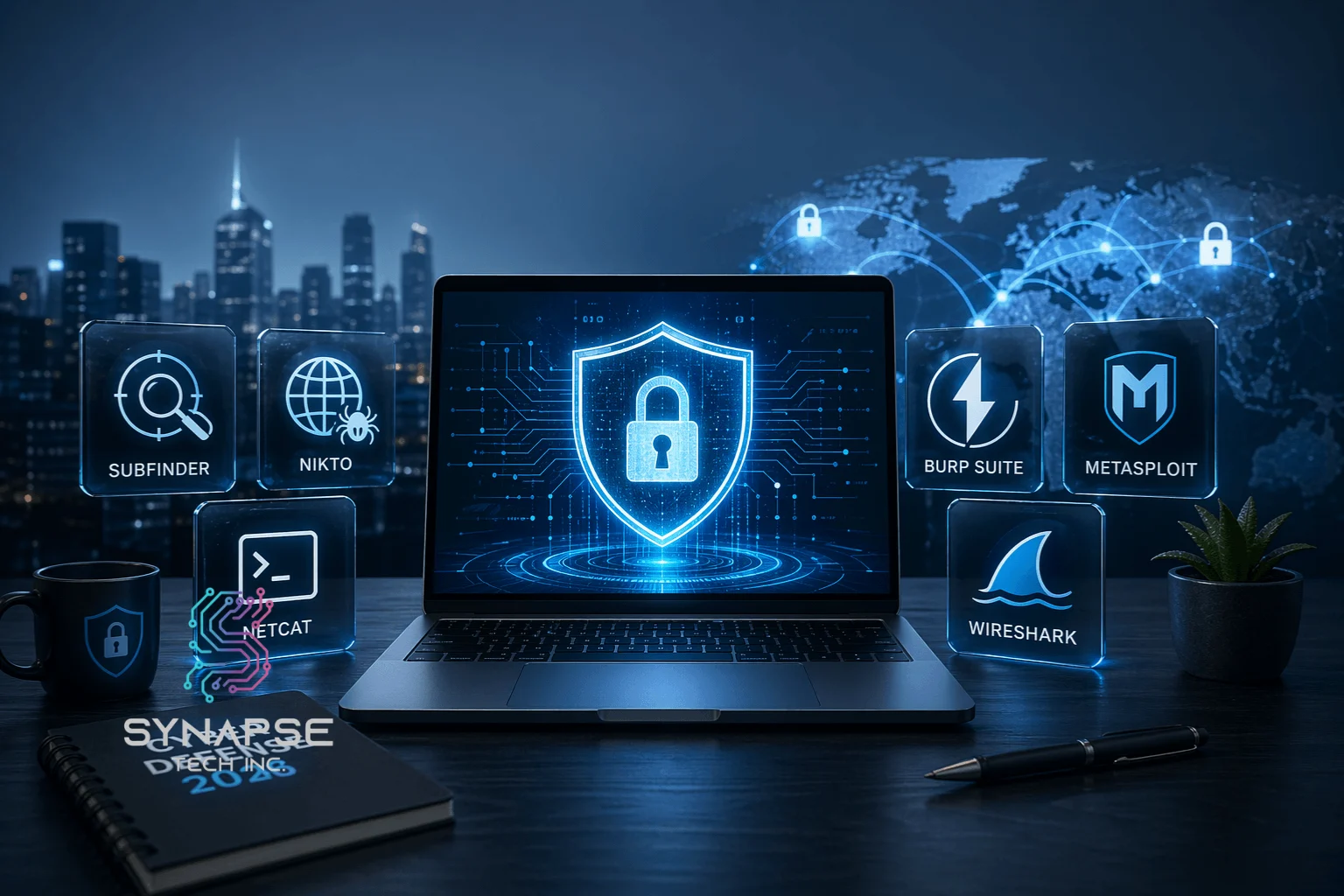
Cyber security software tools are programs designed to detect, prevent, and respond to digital threats — from data breaches and malware to phishing attacks and network intrusions. Envision them as your cybernetic bodyguards, who operate 24 hours to ensure that hackers stay away.
These tools protect all your personal information and the whole infrastructure of your company. They check suspicious activity, prevent unauthorized access, and notify you when something seems suspicious. In short, they’re the difference between staying protected and becoming the next headline.
And the threats are very real. Cybersecurity Ventures predicts that damages of cybercrime will reach $10.5 trillion each year. IBM also found that the average data breach costs companies $4.88 million. That is no danger–that is a disaster.
The good news? The correct tools place the power back into your hands. In this article, I’ll walk you through six powerful tools you need to know about in 2026. Let’s get into it.
6 Cyber Security Software Tools That Should Be in Your Arsenal
There’s no shortage of options out there. However, not every tool is worth your time. The cyber security software tools listed below have proven themselves in real-world environments.
Subfinder
Subfinder is a fast and accurate passive subdomain enumeration tool. It retrieves subdomains based on public sources without necessarily accessing the target itself, which makes it stealthy and effective.
To start with, Subfinder saves you hours in case you do some recon work. It can be combined with other tools in your pipeline, such as Nuclei or httpx.
Pros
- Extremely fast passive enumeration
- Built-in support for dozens of data sources.
- Simple to incorporate into computerized processes.
Cons
- Only passive recon – no active probing.
- Premium sources have the best results using API keys.
Nikto
Nikto is a free web server scanner. It scans more than 6,700 potentially malicious files, old server software, and other typical vulnerabilities.
Nikto is your tool in case you need a quick, no-frills web server audit. However, be aware that it’s noisy — it won’t go undetected on a monitored network.
Pros
- Free and open-source
- Covers a wide range of known vulnerabilities
- Very easy to use, even for beginners.
Cons
- It can cause a lot of noise in the network.
- Output is potentially verbose and difficult to scale.
Netcat (nc)
Netcat is often called the “Swiss Army knife” of networking. It can be used to perform port scanning, banner grabbing, file transfers, and even reverse shell setup during penetration tests.
Secondly, the distinguishing feature of Netcat is its crude flexibility. It does one thing — handle TCP/UDP connections — and it does it brilliantly.
Pros
- Extremely lightweight and versatile.
- Accessible on virtually all platforms.
- Manual testing and fast diagnostics are great.
Cons
- No in-built encryption (add Ncat to support TLS)
- Advanced use cases have a steep learning curve.
Burp Suite
The standard of web application security testing is known as Burp Suite. It captures, alters, and resends HTTP/S traffic between your browser and an application target. It is used by professionals in their everyday lives.
To give an example, I have utilised the Repeater module of Burp Suite to manually test API endpoints that were entirely overlooked by automated test scanners. Such a manual control is priceless.
Pros
- Strong proxy capable of manipulating requests/responses in their entirety.
- Wide range of plugins through the BApp Store.
- Intuitive UI for both beginners and experts
Cons
- The Professional edition is costly (~$449/year)
- It may be resource-intensive on older machines.
Metasploit
Metasploit is, perhaps, the most renowned exploitation framework globally. It provides you with access to thousands of ready-to-use exploits, payloads, and auxiliary modules.
Like the Burp Suite, there is also a free and a paid version of Metasploit (Metasploit Pro). The free Community version can do the serious work of a professional ethical hacker or red teamer.
Pros
- Numerous catalogs of adventures, constantly revised.
- Good community and documentation.
- Complements other tools such as Nmap well.
Cons
- Easy to misuse – should only be used on systems you are allowed to test
- Small teams cannot afford the Pro version.
Wireshark
Wireshark is the world’s leading network protocol analyzer. It lets you capture and interactively browse traffic running on a network in real time. Wireshark has been downloaded more than 1 billion times, according to its own statistics – that says it all.
Lastly, a packet analyzer is an essential component of a security toolkit. Wireshark provides an in-depth view of what is actually going on in your network, with every single byte.
Pros
- Live packet capture and deep analysis.
- Supports many protocols.
- Free and open-source and large user base.
Cons
- Maybe too much data to be digestible by beginners.
- Large network capture generates huge files in a short time.
Automate Your Cyber Defense
You are being scanned by attackers every half hour. An annual audit can not keep pace at all. That’s where Synapse Tech’s Cyber Security Automation comes in.
Synapse unites disjointed security tools into one always-on pipeline – it automatically discovers your attack surface, identifies vulnerabilities in real-time, and enforces compliance in the cloud across AWS, Azure, and GCP. No more blind spots. You do not have to wait to receive a report and know what went wrong.
Financial services, SaaS, enterprise IT, or any other sector, Synapse has a platform that will map your exposure, neutralize phishing domains, track the dark web on leaked credentials, and remediate threats, all without human intervention.
Read More: 5 Warning Signs Your Business Needs Cyber Security Managed Services
Conclusion
In conclusion, the appropriate cyber security software tools do not simply help you in your work; they enable you to do it. Every tool on this list has a particular purpose in your security workflow.
In short, you don’t need to use all six of these at once. But knowing what each one does and when to use it will get you miles ahead. Begin with one or two, get used to it, and develop. Your future self will be thankful. Protect yourself from cyber attacks by contacting us today!
FAQs
Why is cybersecurity important?
Cybersecurity is the security of sensitive data, systems, and networks against unauthorized access, damage, or attack. In its absence, companies and individuals risk losing money and reputation and facing legal consequences. The stakes have never been higher, as cybercrime costs are estimated to be 10.5 trillion per year.
What are cybersecurity tools?
Cybersecurity tools refer to computer software programs or systems set to identify, block, examine, or react to security dangers. They include network scanners and vulnerability assessors, all the way to the exploitation framework and traffic analyzers. They are used by professionals to protect systems as well as to test attacks in controlled settings.
What are the types of cybersecurity tools?
A variety of major types of cyber security software tools exist, such as network security tools (such as Wireshark and Netcat), web application security tools (such as Burp Suite and Nikto), exploitation frameworks (such as Metasploit), and reconnaissance tools (such as Subfinder). All categories have various stages of the security testing or defense lifecycle.