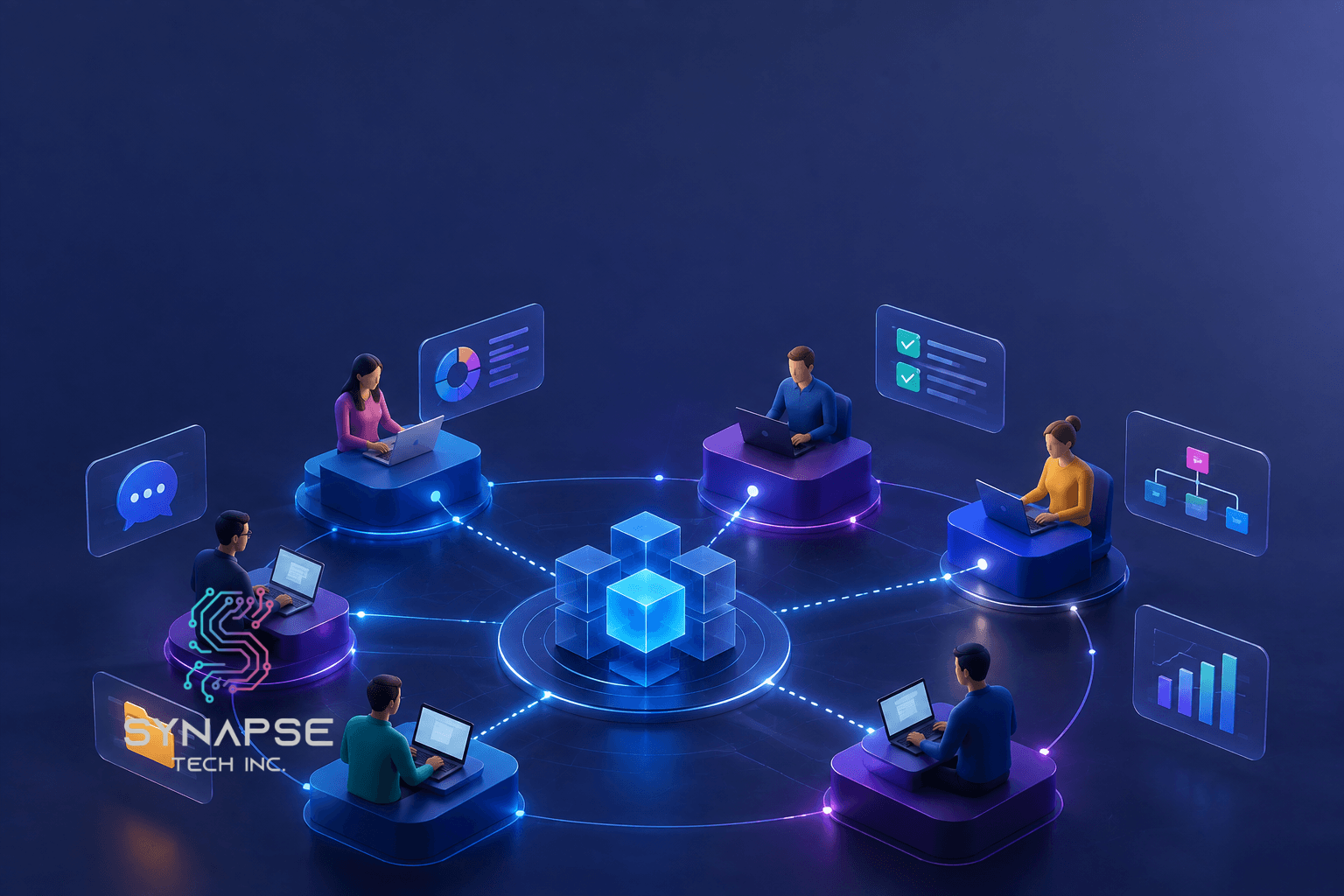
The four best team collaboration tools are MesiterTask, Conversation AI by Synapse, FireFlies, and Nifty.
Team collaboration tools bring communication, file sharing, and task management into one centralized workspace that everyone can access in real time, and Tyler businesses are increasingly treating them as a serious investment rather than a nice-to-have.
The payoff shows up across the board. Clearer communication, faster task completion, easier real-time collaboration, better project visibility for managers, and stronger data security as your team grows.
The four best options for Tyler businesses are MeisterTask for small teams that want simple, visual Kanban-style task management, Conversaction AI by Synapse for businesses needing AI-powered communication routing built around their specific workflows, Fireflies for teams that want meetings automatically transcribed and summarized without manual note-taking, and Nifty for growing businesses that want project management and team communication in one place without juggling multiple tools.
Choosing the right one comes down to four practical questions: does it fit your budget as your team scales, does it actually solve your team’s biggest pain point, can it handle your team size and work volume, and does it connect smoothly with the tools your team already uses every day?
What Are Team Collaboration Tools?
Team collaboration tools are digital platforms that help teams communicate, share files, manage tasks, and work together from one centralized system. They replace long email chains and scattered updates with one organized workspace everyone can access in real time.
According to McKinsey, productivity improves by 20 to 25% in organizations where employees are well connected through collaboration technology. That’s exactly why team collaboration tools in Tyler, TX have become a real investment priority for growing local businesses.
Why Are Tyler Businesses Adopting Team Collaboration Tools?
Team collaboration tools improve communication, productivity, teamwork, project visibility, and data security by bringing teams and workflows into one centralized platform. Let’s see what that means:
- Improved Communication: Communication collaboration tools in Tyler, TX, give everyone a reliable place to stay connected instead of chasing updates across scattered emails and calls.
- Increased Productivity: Clearly assigned tasks and visible deadlines help teams move faster. Productivity and collaboration tools in Tyler, TX, remove the friction that quietly slows daily work down.
- Enhanced Collaboration: Real-time editing and shared workspaces make working together easier, whether your team is in the same building or across the city.
- Better Project Management: Project management software online collaboration in Tyler, TX, gives managers clear visibility into every task and deadline without constant check-in meetings.
- Stronger Data Security: Modern AI collaboration tools in Tyler, TX come with built-in encryption and access controls that protect sensitive data as your team grows.
4 Best Team Collaboration Tools That Help Tyler, TX, Businesses Communicate Better
The four best team collaboration tools for Tyler businesses are MeisterTask, Conversaction AI by Synapse, FireFlies, and Nifty. Each tool is evaluated based on ease of use, integrations, real-world fit, and pricing. Let’s get into more detail for each tool:
MeisterTask
MeisterTask is an intuitive Kanban-style task and project management platform that helps teams organize work visually and move projects forward efficiently.
Best For: Tyler small businesses looking for small business collaboration software in Tyler, TX that is simple, visual, and easy to get started with right away.
Integrations: Slack, GitHub, Zapier, Google Workspace, and Microsoft Teams.
Security & Compliance: GDPR compliant with data encryption and two-factor authentication.
Pricing: Free plan available; paid plans start at $13.50/user/month.
Pros
- Visual Kanban task management
- Automates recurring tasks
- Feature-rich free plan
Cons:
- Limited reporting
- Not ideal for complex projects
Conversaction AI by Synapse
Synapse Tech Inc.’s intelligent Conversaction AI uses AI to manage conversations, route team communications, and keep internal and customer-facing interactions organized in one system.
Best For: Tyler businesses across healthcare, retail, and professional services needing an AI-powered collaboration platform in Tyler, TX, built around their specific communication workflows.
Integrations: CRM, customer support tools, and marketing platforms.
Security & Compliance: Enterprise-grade encryption, role-based access controls, and sector-specific compliance support.
Pricing: Custom pricing; contact Synapse directly for a tailored quote.
Pros:
- AI-powered conversation routing
- Unifies customer and team communication
- Built around your workflows
Cons:
- Custom pricing
- Longer implementation
FireFlies
An AI meeting assistant that automatically records, transcribes, and summarizes meetings so teams can capture decisions and action items without manual note-taking.
Best For: Tyler professional services firms and healthcare organizations needing online collaborative tools in Tyler, TX to capture what actually gets decided in meetings.
Integrations: Zoom, Google Meet, Microsoft Teams, Salesforce, HubSpot, and Slack.
Security & Compliance: SOC 2 Type II compliant, GDPR ready, with encrypted data storage.
Pricing: Free plan available; paid plans start at $10/user/month.
Pros:
- Auto-transcribes and summarizes meetings
- Searchable meeting archive
- CRM integrations
Cons:
- Accuracy depends on audio quality
- Limited free storage
Nifty
An all-in-one project collaboration platform combining task management, milestone tracking, document sharing, and team chat in a single workspace.
Best For: Tyler growing businesses and agencies needing a collaborative project platform in Tyler, TX that handles project management and team communication without juggling multiple tools.
Integrations: GitHub, Slack, Zoom, Google Workspace, and Zapier.
Security & Compliance: SOC 2 compliant with data encryption and two-factor authentication.
Pricing: Free plan available; paid plans start at $39/month for teams.
Pros:
- All-in-one collaboration workspace
- Clear milestone tracking
- Great value for teams
Cons:
- Can overwhelm small teams
- Mobile app is less polished
How Should I Choose The Best Team Collaboration Tools?
Choose the collaboration tool that fits your budget, solves your team’s biggest challenges, scales with your business, and integrates seamlessly with your existing software. Picking the right team collaboration tools for your Tyler business comes down to four honest questions.
Does It Fit Your Budget? First of all, be realistic about per-user costs as your team grows. Free collaboration tools in Tyler, TX, like MeisterTask and Nifty, are genuine starting points, but paid tiers unlock what most growing teams actually need.
Does It Help With Team-Specific Tasks? Secondly, match the tool to your biggest pain point. If meetings are where things get lost, Fireflies fits. If communication is fragmented, Conversation AI solves that directly. Collaborative management tools in Tyler, TX, only deliver value when they address your actual problem.
Can It Handle Your Team Size And Work Volume? However, a tool that works beautifully for five people may struggle at fifty. Always check how pricing and performance scale before committing.
Does It Integrate With Your Other Tools? Similarly, the best online project collaboration tools in Tyler, TX, connect smoothly with what your team already uses. Poor integration just creates more manual work.
Top 4 Team Collaboration Tools
| MeisterTask | Conversaction AI | Fireflies | Nifty | |
| Best For | Small teams and visual task management | AI-powered unified communication | Meeting transcription and summaries | All-in-one project and team collaboration |
| Integrations | Slack, Zapier, Google Workspace | CRM, support tools, marketing platforms | Zoom, Teams, Salesforce, HubSpot | GitHub, Slack, Google Workspace |
| Pricing | Free; from $13.50/user/month | Custom pricing | Free; from $10/user/month | Free; from $39/month |
| Security | GDPR, 2FA | Enterprise-grade, role-based access | SOC 2 Type II, GDPR | SOC 2, 2FA |
| Pros | Visual, simple, strong free plan | Custom-built, AI-powered, unified | Auto-transcription, CRM integration | All-in-one, milestone tracking, good value |
| Cons | Limited reporting, not for complex projects | Longer setup, custom pricing | Accuracy issues, limited free storage | Can overwhelm small teams, weaker mobile app |
Case Study: How Synapse Helped A Clothing Company Collaborate Better With Conversaction AI
A Tyler clothing company was growing fast, but communicating poorly. Customer inquiries came through email, Instagram DMs, and a support inbox, while internal updates lived in a completely separate group chat. Messages kept getting missed, and nobody had a clear picture of what was happening.
Synapse implemented Conversaction AI around the company’s existing channels and workflows. Customer messages are routed automatically to the right team member, and internal updates flow through the same unified system without manual sorting.
Within the first month, response times improved significantly, and the team stopped duplicating conversations entirely. The owner said it was the first time the whole business felt like it was actually talking to itself properly.
Conclusion
To sum up, Tyler businesses across healthcare, retail, and professional services are all dealing with the same challenge. More moving parts, more people to coordinate, and less room for miscommunication. The right team collaboration tools change that dynamic completely.
Read More: 5 Examples of AI in the Workplace: How Businesses Are Embracing AI in Irving, TX
In short, MeisterTask suits small teams wanting simple visual task management. Fireflies works well for organizations where meetings need to produce real follow-through. Nifty fits growing teams wanting project management and communication combined. And for Tyler businesses needing something built entirely around how their team communicates, Conversation AI by Synapse delivers precision that generic platforms simply can’t match. Contact us today for a collaboration tool that fits around your company rather than making you adjust.
FAQs
Can team collaboration software be used for remote teams?
Absolutely. Most modern free online team collaboration tools in Tyler, TX, are built with remote and hybrid teams in mind. Tools like Nifty and Fireflies work just as effectively for distributed teams as in-office ones.
How customizable is team collaboration software?
It varies significantly. Off-the-shelf tools like MeisterTask offer limited customization. Custom solutions like Conversaction AI by Synapse are built entirely around your specific workflows, giving you full control from day one.
Is training required to use team collaboration software?
Most modern collaboration apps in Tyler, TX, are intuitive enough to pick up quickly. However, more advanced or custom platforms typically include onboarding support to make sure your team gets full value right from the start.